
See the request.
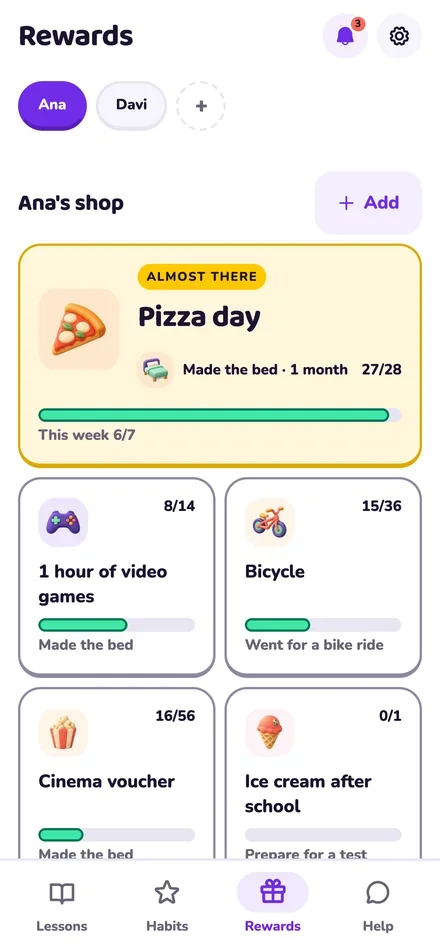
In this example, Ana works towards a pizza day and asks to redeem it.

For parents and carers
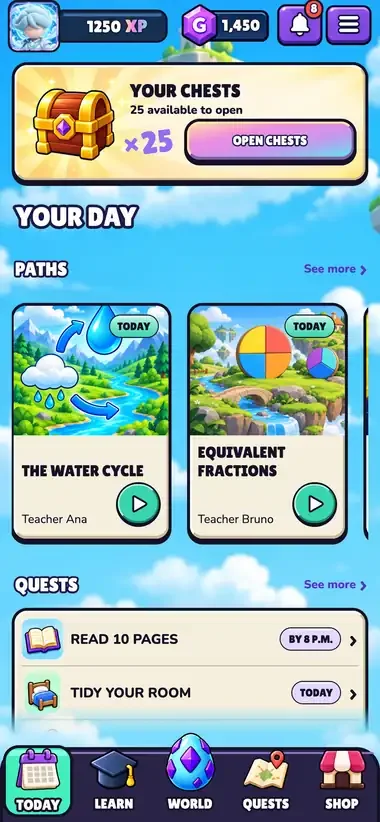
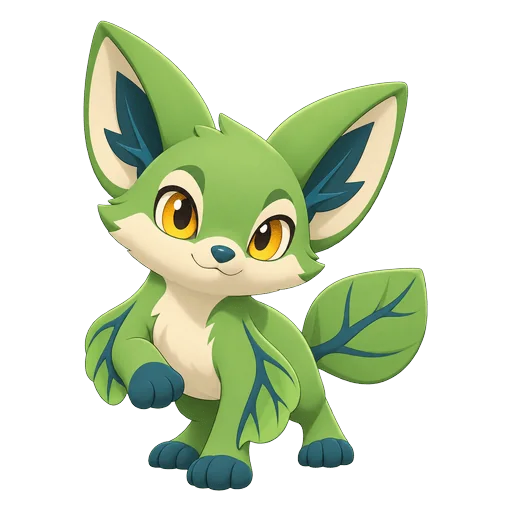
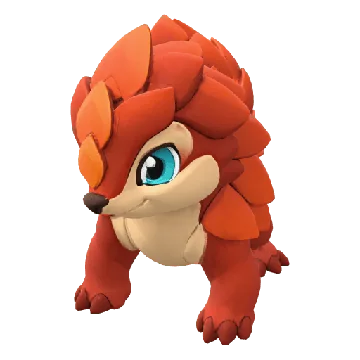
Turn everyday habits and school practice into quests. Explore how your child collects gems, meets Ferons and works towards a reward you choose together.
Start in your browser. Your child joins with a code.


 A little effort.
 You set the direction.
 School practice+
 Everyday habits→ Their own adventure
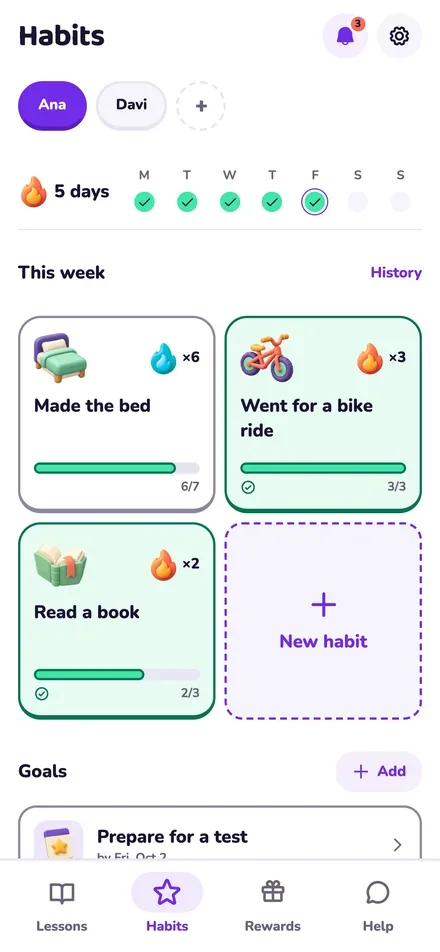
 Try marking Small steps count.
● A rhythm that fits your family
A book before bed. A task to practise. Something to try again tomorrow. You bring the everyday goal; their game gives it a playful place to go.
Agree on a habit or a piece of schoolwork that makes sense for your child.
They explore quests and lessons. You stay nearby when a question needs a conversation.
Gems, eggs and Ferons are part of the preview. The learning is still something to talk about.
● Your child plays. You stay involved.
The game can celebrate a small step. You decide what a reward means in your family, and when to approve it.
In this example, Ana works towards a pizza day and asks to redeem it.

Try the reward card, then approve the request. This is a preview, no real reward is redeemed.

● Keep the conversation going
Start with one manageable task, make space for an independent try, and adjust together. Our family guides help you find a starting point.
You decide what each reward means and approve it before it unlocks.